Intellisys SE
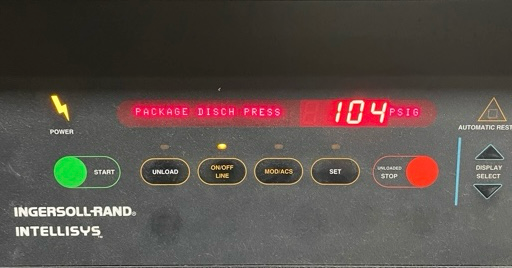
Hidden Left Button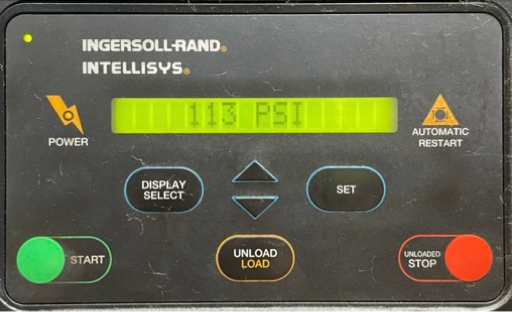
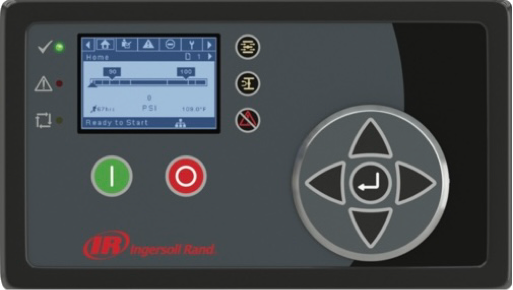
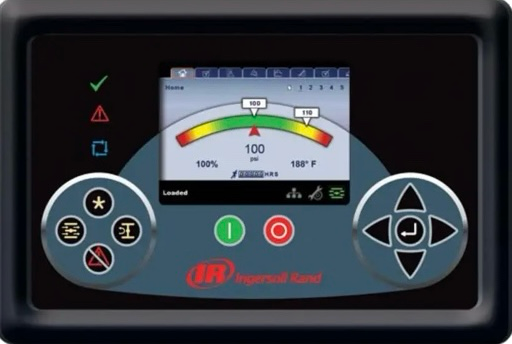
Hidden left button is located between the Power indicator and the Start Button. To access unit must be in READY TO START or START LOCAL-REMOTE. Press the Load button once then press the hidden left button within 3 seconds. To exit this menu press the Set button twice. Menu shows last shutdown conditions and can be viewed using the Display Select button.
Hidden Right Button
Hidden right button is located between the Auto Restart indicator and the Unloaded Stop button. To access unit must be in READY TO START or START LOCAL-REMOTE. Press the Load-Unload button once then press the hidden right button within 3 seconds. To exit press the Display Select button once or wait for 30 seconds. Menu allows changes to the machine configuration.
Tech GuideIntellisys SG
Factory Setpoints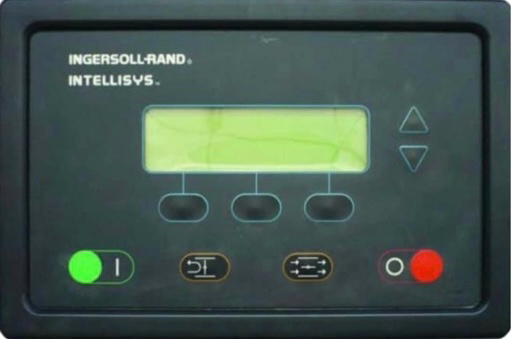
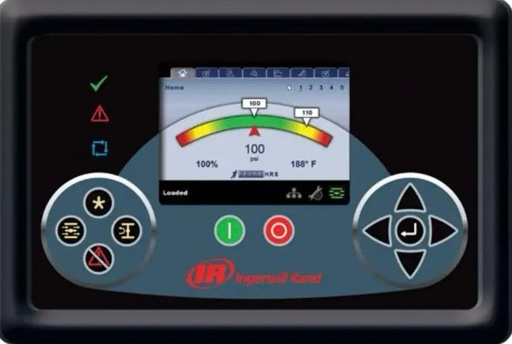
To access unit must be in READY TO START. Press the MAIN MENU (center) button two times then press the LOAD button then press the UNLOAD button all within 3 seconds. To exit the menu press the STATUS or MAIN MENU buttons or wait 30 seconds.
Tech GuideIntellisys SGN
Drive Diagnostic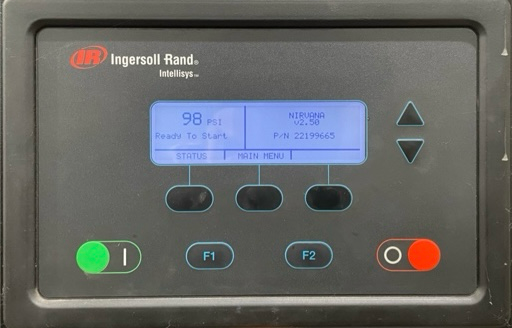
348
Fixed Speed
91
Idle Mode
33
Max Values
16
Service Display
3
Service Tool
218Intellisys U-Series
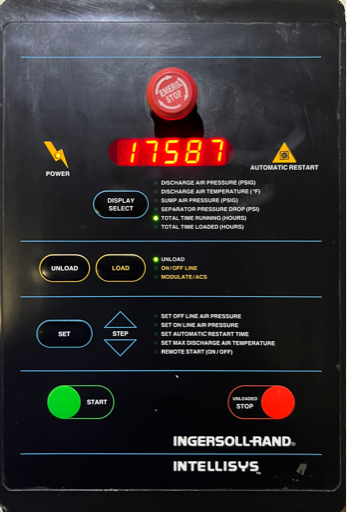
LCP
Default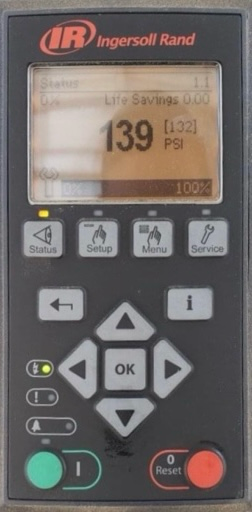
001945Luminance
Factory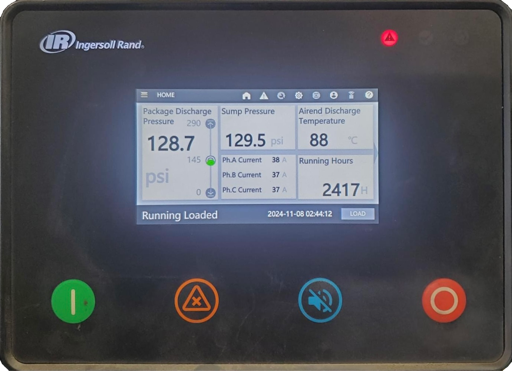
210215Unigy
Maintenance Reset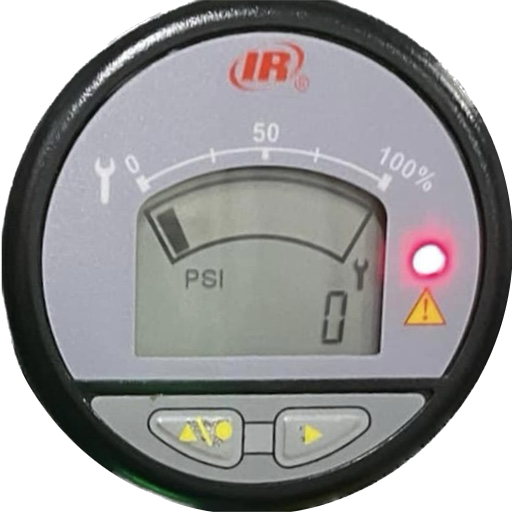
Press and hold the left and right buttons for 5 seconds. Display will flash indicating the timers are reset. Press and hold the left button for 5 seconds and display will clear. Press the left button to go to the next screen.WS Oil Free Scroll Deluxe
Distributor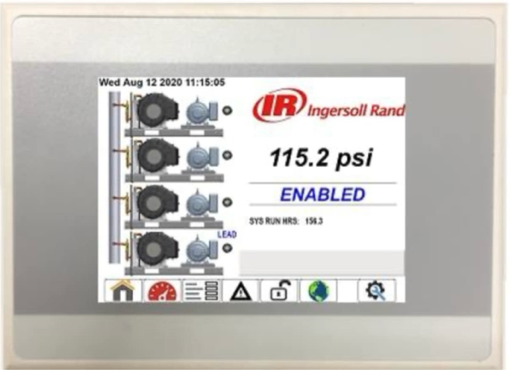
8412
Factory
9481
Maintenance
407X4I
Access
0021XE Pro 75
XE-50
A:0060
High separator differential pressure warning.
A:2040
Freeze warning.
A:2050
Dryer high pressure warning.
A:2118
High pressure alarm limit.
A:2128
High temperature alarm limit.
A:2816
Power failure alarm.
A:3123
Temperature below run inhibit set point.
A:3129
Airend discharge temperature alarm.
A:3423
Temperature is below load inhibit set point.
A:4804
Service due alarm.
E:0010
Emergency stop shutdown.
E:0020
Main or fan motor overload shutdown.
E:0030
High airend discharge temperature shutdown.
E:0040
High discharge pressure shutdown.
E:0115
Pressure sensor fault shutdown.
E:0119
Excess pressure shutdown limit exceeded.
E:0125
Temperature limit shutdown.
E:0821
Analog input power supply low.
E:0866
24V power supply low voltage.
Factory
0121
User
0009
Tech Guide
Ingersoll Rand